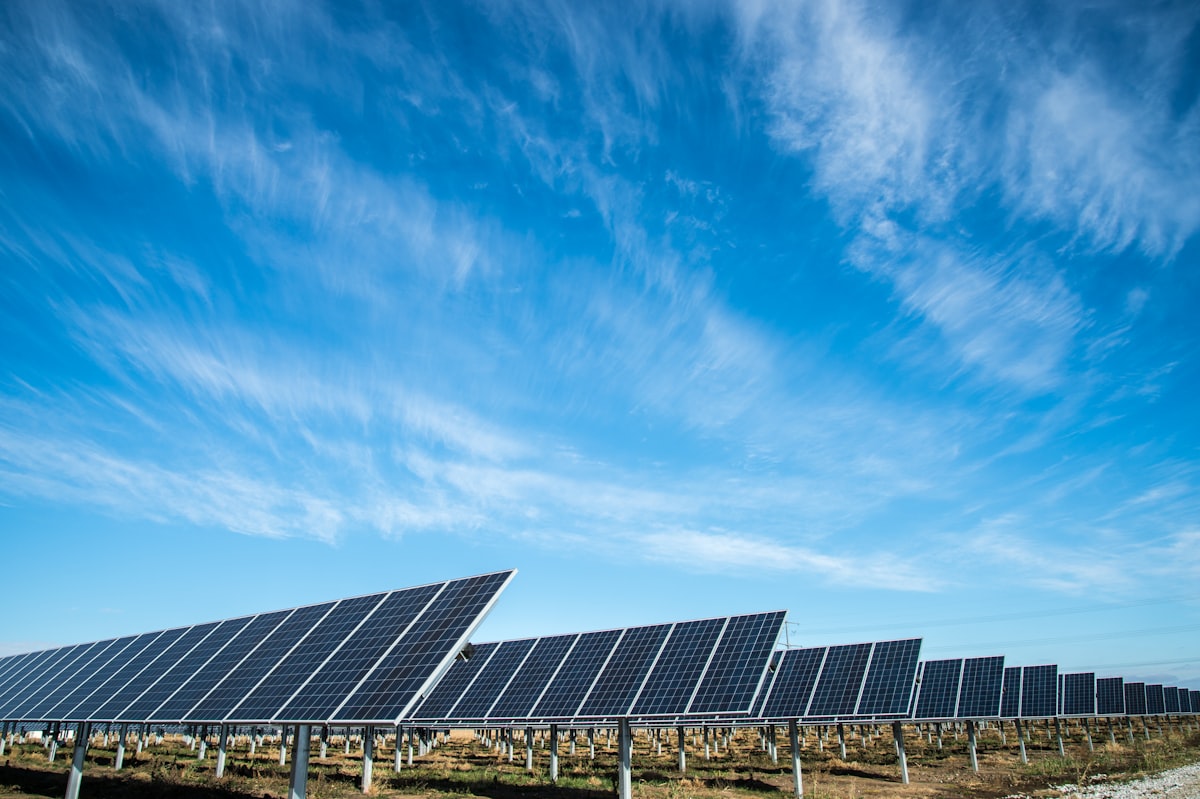
EcoFlow STREAM Ultra bundles an 800W microinverter with a 1.92 kWh LFP battery so you capture midday sun for evening use. The install is simpler than rooftop solar but not quite “open box and plug in.” Here is the sequence I recommend for a first-time buyer.
Confirm EcoFlow ships to your state before ordering. As of June 2026, Utah and Maryland are confirmed; check current policy for yours.
Compare STREAM Ultra payback vs STREAM-only at your utility rate and schedule.
STREAM Ultra payback →What is in the box
Typical STREAM Ultra kit includes:
- STREAM microinverter unit with integrated battery compartment
- 1.92 kWh LFP battery module (pre-paired or separate depending on SKU)
- 2× 400W rigid panels (or bring your own compatible panels)
- AC output cord with NEMA 5-15 plug
- DC extension cables, mounting feet or railing hardware
- Quick start guide
Verify panel wattage total stays under your state cap (1,200W in most states, 1,920W in Colorado).
Before you start
1. State law: Enabling statute in effect? See legislation tracker.
2. Outlet audit:
- GFCI protected (test button trips)
- 15A or 20A circuit with headroom
- Outdoor or balcony-rated cover if exposed
3. Landlord / utility notification if required (Maryland law example).
4. Mount location: South or west facing, no morning shade from adjacent building.
Step 1: Mount panels
- Assemble railing clamps or feet per EcoFlow manual
- Mount panels at 5–15° tilt if hardware allows
- Route DC cables down strain-relief path (no hanging loops)
- Keep connectors off walking surfaces
Do not power panels until inverter is wired and secured.
Step 2: Connect DC to STREAM unit
- Match positive/negative MC4 connectors from each panel string to inverter inputs
- Two-panel setup: usually one panel per MPPT input on STREAM
- Confirm connections click fully (pull test gently)
Step 3: Battery module
- If battery ships separately, slide/connect per EcoFlow instructions until lock clicks
- Power on battery via app or physical button sequence in manual
- Initial charge from grid may be required before first solar charge (follow app prompts)
Battery enables evening discharge; inverter still anti-islands during grid outage.
Step 4: AC plug-in
- Route AC cord to GFCI outlet
- Do not use cracked extension cords or indoor-only strips outdoors
- First plug-in: app should show grid connection status
STREAM synchronizes to grid frequency before exporting. Wait 30–60 seconds for stable status in app.
Step 5: App pairing
- Download EcoFlow app, create account
- Add STREAM device via WiFi or Bluetooth per prompt
- Confirm firmware update if offered (do during grid-connected idle)
- Set export/self-consumption preferences if exposed in your region
App shows live watts, daily kWh, battery SOC.
Step 6: Utility notification
In enacted states, send required notice to utility (template varies). Keep confirmation email for insurance file with UL certificate PDF (insurance guide).
First week checklist
| Day | Check |
|---|---|
| 1 | Midday production > 0 W on sunny day |
| 2 | Battery charges from solar (SOC rises) |
| 3 | Evening discharge offsets load (SOC falls after sunset) |
| 7 | Compare utility portal interval data if available |
If production is flat: check shade, loose MC4, or tripped GFCI.
STREAM vs STREAM Ultra
| STREAM (no battery) | STREAM Ultra | |
|---|---|---|
| Price | ~$599–899 | ~$1,459–1,899 |
| Self-use profile | Best WFH daytime | Best away-all-day |
| Complexity | Lower | Battery management in app |
Ultra pays back slower unless your rate exceeds ~28¢ or you have high evening loads. See microinverter comparison.
Common mistakes
- Plugging into non-GFCI kitchen outlet via window
- Exceeding state watt cap with extra panels
- Expecting backup power during outage (anti-island shuts export)
- Confusing STREAM with Delta power station (power stations vs plug-in)
Not committed to EcoFlow? Compare Hoymiles DIY and PluggedSolar in the full kit guide.
All balcony solar kits →Related: EcoFlow vs Hoymiles vs APsystems | My State Legalized Plug-In Solar: What to Buy | Plug-In Solar Backfeeding NEC

Dana Whitmore
Energy Engineer & Billing Analyst · Optiwatt Energy Advisor
Dana has spent the past three years analyzing residential electricity billing data across PG&E, SCE, and SDG&E service territories. She's reviewed billing records for thousands of California households, and built the simulation engine that powers this site's rate-plan comparisons. She holds a degree in Electrical Engineering and lives in the Bay Area.